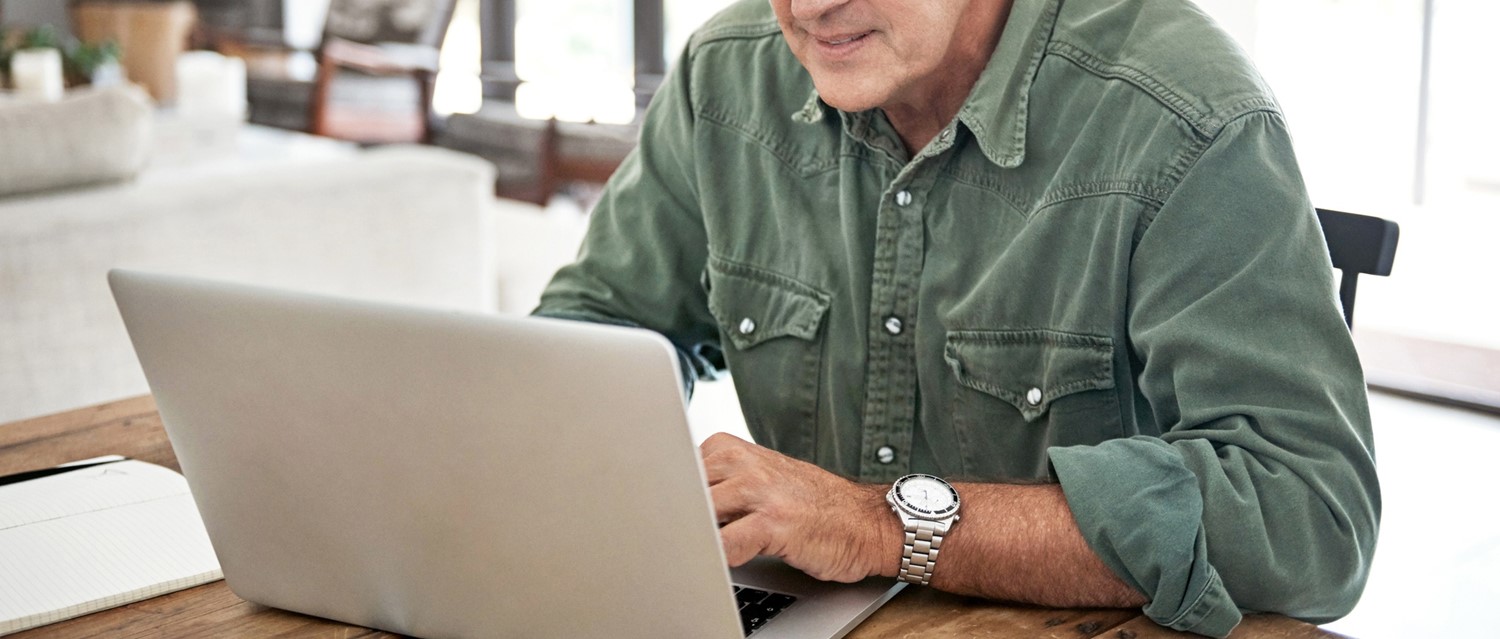
How to get the most out of your remote GP appointment
Peer reviewed by Dr Sarah JarvisAuthored by Natalie HealeyOriginally published 15 May 2020
Meets Patient’s editorial guidelines
- DownloadDownload
- Share
- Language
- Discussion
- Audio Version
- Add to preferred sources on Google
Many GP appointments have moved to telephone or video consultations due to the coronavirus COVID-19 pandemic. We explore how to get the most out of a video appointment and what you can do to prepare for one.
Use Patient's coronavirus checker tool if you have any symptoms of fever or a new cough. Until you have used the tool and been advised what action to take, please stay at home and avoid contact with other people.
The coronavirus pandemic has transformed our lives in numerous ways - it's also brought big changes to general practice. If you want to see your GP at the moment, you're likely to be offered a telephone or video appointment rather than a face-to-face session.
Last year, the vast majority of GP appointments were delivered in person, with just 1% enabled via video conference. But according to the Royal College of GPs, 70% of GP care is now being delivered remotely. Support for patients via telephone or video link has been rapidly established during the crisis.
While this move has been important to reduce the spread of the coronavirus that causes COVID-19, it's likely remote consultations will still have their place in general practice long after the pandemic is over. So if you're offered one, how can you get as much out of a video appointment as a face-to-face one?
What if you're not tech-savvy?
Over the last couple of months, many of us have become very familiar with video calls as a way of staying connected with relatives without seeing them in person. But not everyone feels confident with this kind of technology. GP Dr Gero Baiarda, from GPDQ, sympathises with those who find the idea of video conferencing daunting, but reassures that the kind used for appointments is really simple for patients. If you don't think of yourself as tech-savvy, that really doesn't matter. As long as you've got a device with a camera and a microphone, you're good to go.
"The technology and software we use for video consultations usually don't require you to install anything or update your computer in any way," he says. "Typically you are texted or emailed a link and all you have to do is click on it at the right time."
If you're a Patient Access user, you can book a video consultation with your doctor for a convenient time using the app. Once booked, the video appointment will appear in the Upcoming Appointments section on the homepage with a 'Join' link to click on at the time and date of the consultation. Once your healthcare professional joins the appointment, the video call will start.
The pros and cons of video appointments
Video appointments are appropriate and safe for many medical issues such as mental health consultations, treatment reviews and minor ailments, says Baiarda. For some issues, there's no substitute for a physical examination though. Video appointments aren't always appropriate for every medical problem. Your doctor will be able to advise you if you need to be seen face to face.
"The main issue is clearly that we cannot physically examine patients," says Baiarda. "We cannot take reliable readings and observations. Although we can request that patients do this for themselves or their children, there are some things that can never be done remotely at home, such as listening to breathing or heart sounds with a stethoscope."
For most problems though, they are far better than no consultation at all. And they can have advantages over a face-to-face appointment because they offer speed and convenience for both doctors and patients. Plus, you don't have to travel to and from the surgery or sit around in the waiting room.
How to prepare for your video consultation
Video GP appointments may be convenient but they do take a bit of getting used to. A little preparation beforehand can go a long way to ensuring you get the most out of your consultation.
Put it in your diary
As with physical appointments, the first step to a successful consultation is remembering to attend it. You want to make the most of those precious ten minutes, so don't be late. Make sure you're ready to click on the video link at least five minutes before your appointment slot.
Be afraid of the dark
Consider your surroundings carefully. Your doctor will need to see you clearly, so choose a well-lit location. And remember that you're still going to want privacy. You don't want family members interrupting your medical consultation. And you certainly don't want to be out and about when you're discussing personal medical matters.
"It is helpful to be in a private and well-lit area of the home and not out and about. I have previously had patients try to video consult with me while driving their cars or sitting in coffee shops!" reveals Baiarda.
Test your tech
We are at the whim of technology with video appointments and they can be sabotaged by variables beyond our control such as internet problems. But there are things you can do before your appointment to ensure the tech is working as well as it can.
Make sure you're in an area with a decent internet connection for starters. And check your camera and microphone work on the device you will use for the appointment. During the consultation, ensure your microphone is not on mute and your doctor can see you clearly.
Make notes
What are your hoping to get out of this appointment? And what does the doctor need to know to help you? Try to have a list of questions that can reasonably be answered within a ten-minute online consultation, suggests Baiarda.
"Also have a list of your current medication to hand plus details of your allergies and previous medical history. These will all facilitate the process."
If you're consulting about a gynaecological issue, have details such as the dates of your periods to hand. And jot down beforehand details of when different symptoms started.
Can you take your own readings?
If you have any equipment at home to take your temperature, blood pressure or heart rate, that could be a great help to the doctor.
"You could also record details that a GP might find useful, such as when the patient last ate, drank and passed water - these details are especially helpful when assessing children," Baiarda points out.
And don't forget your torch! Having a torch to hand will allow your GP to take a clear look in your mouth over video if necessary.
Patient picks for GP surgery and NHS services

General health and lifestyle
When do you really need to go to A&E?
Whilst some emergencies - such as accidents, or severe physical symptoms - are easy to recognise, serious conditions can sometimes present in less obvious ways. It can be hard to know whether to go to A&E, ring the doctor for an emergency appointment, seek help from another healthcare professional such as a pharmacist or simply ride the symptoms out.
by Gillian Harvey

General health and lifestyle
Are online doctor's appointments the future for healthcare?
In these days of digital connection, the way we access medical care is evolving. Most GP surgeries had an online offering prior to the pandemic, and with the COVID-19 crisis preventing all but essential in-person contact, the uptake and availability of online doctor's appointments have increased. Are we looking at the future of healthcare?
by Gillian Harvey
About the authorView full bio
Authored by

Natalie Healey
Freelance journalist
BSc (Hons) Biomedical Science
She is a London-based health journalist who has been writing about science and medicine for several years. She is the former head of editorial at Patient.
About the reviewerView full bio

Dr Sarah Jarvis
Clinical Consultant
MA (Cantab), BM, BCh (Oxon), DRCOG, FRCGP, MBE
After training in medicine at Cambridge and Oxford, Dr Sarah Jarvis MBE became a GP.
Article history
Article also available in English, German, Spanish, French, Italian, Portuguese, Hindi, Hebrew, Arabic, and Swedish.
15 May 2020 | Originally published
Authored by:
Natalie HealeyPeer reviewed by
Dr Sarah Jarvis
Join the conversation
Share your thoughts or experiences with others in our patient communities.

Ask, share, connect.
Browse discussions, ask questions, and share experiences across hundreds of health topics.

Feeling unwell?
Assess your symptoms online for free
Sign up to the Patient newsletter
Your weekly dose of clear, trustworthy health advice - written to help you feel informed, confident and in control.
By subscribing you accept our Privacy Policy. You can unsubscribe at any time. We never sell your data.